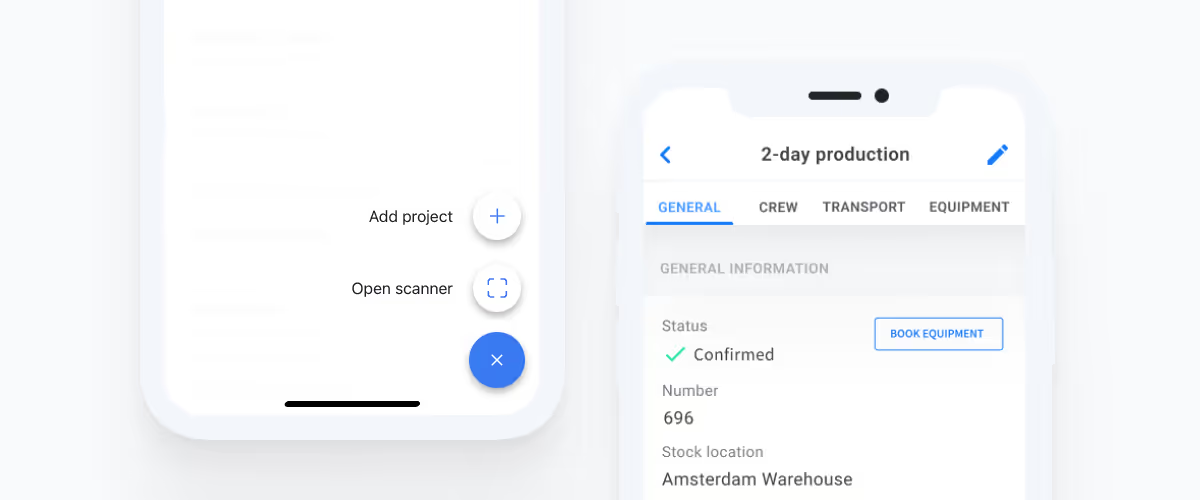
Create projects on the go with the Rentman mobile app
With the latest update to the Rentman mobile app, you can quickly create projects when you’re on the go.
Crew Planner improvements - Schedule your crew faster and more efficiently
Here is a recap of the improvements we’ve made and the latest features that we’ve introduced to Rentman’s Crew Planner.
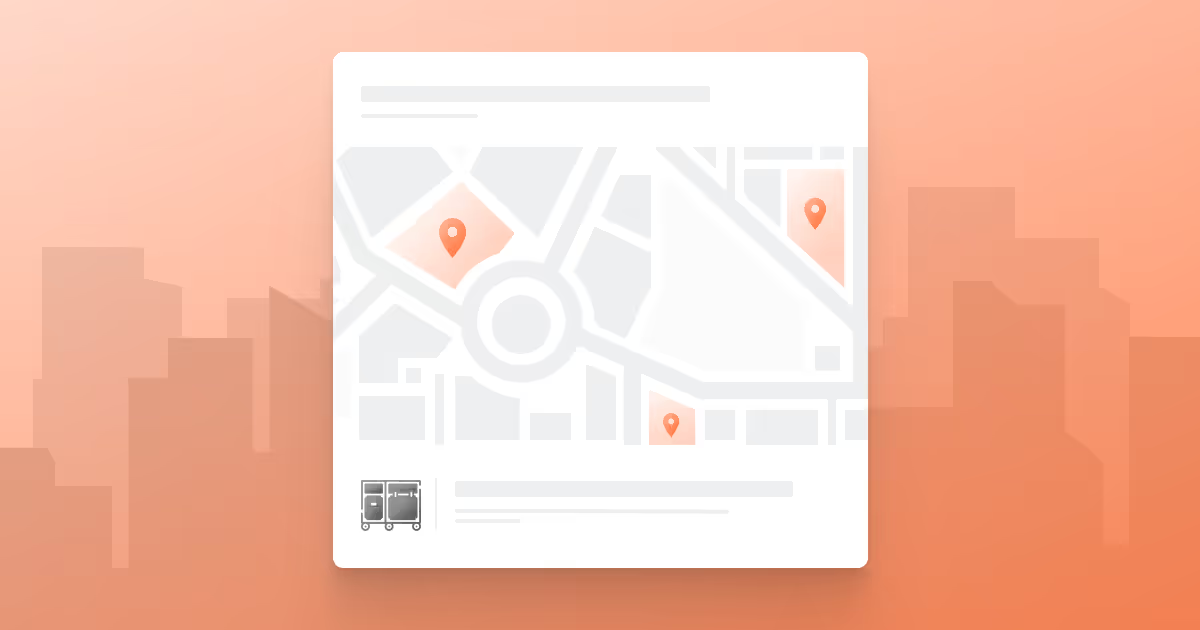
Managing Multiple Equipment Locations
Discover how to use Multiple Equipment Locations to manage availabilities, repairs, lost items, and shortages for all of your stock locations in Rentman.
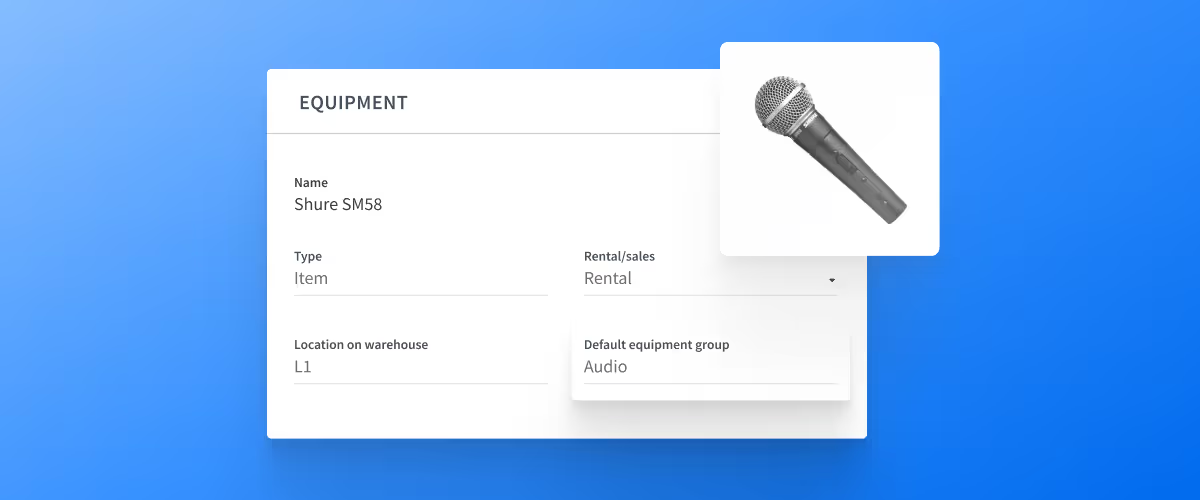
Set up default equipment groups to speed up your equipment planning
Speed up your equipment planning with the new Default equipment groups field when editing your equipment.
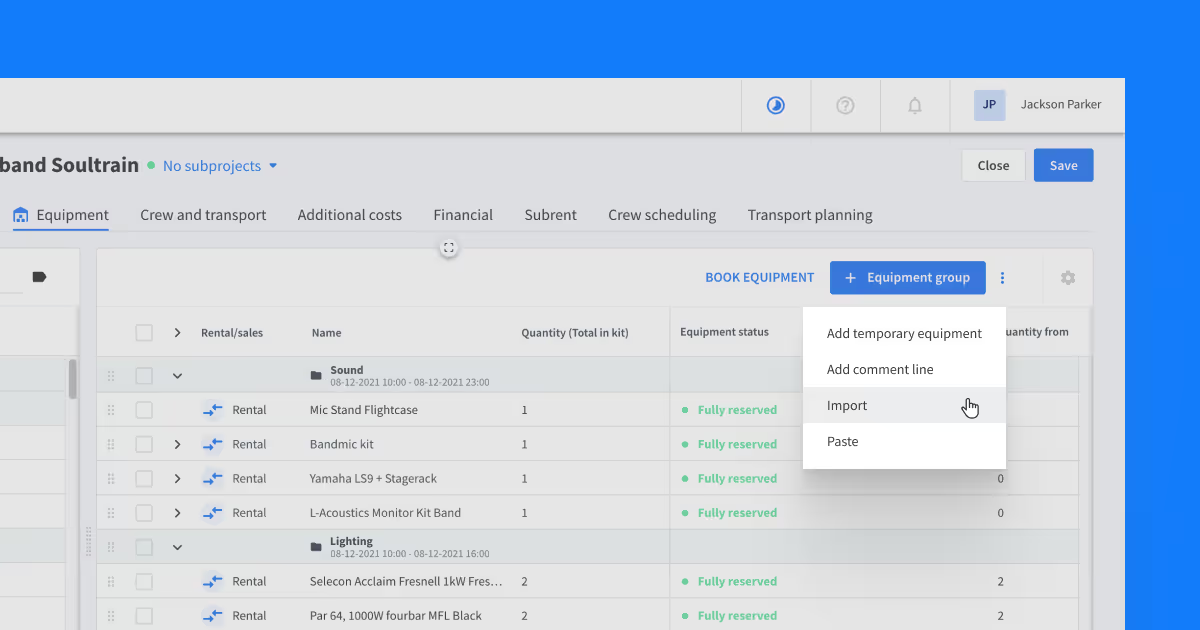
Import your equipment lists to Rentman projects
Import equipment lists to your projects in Rentman to save hours of manual work and reduce human errors.
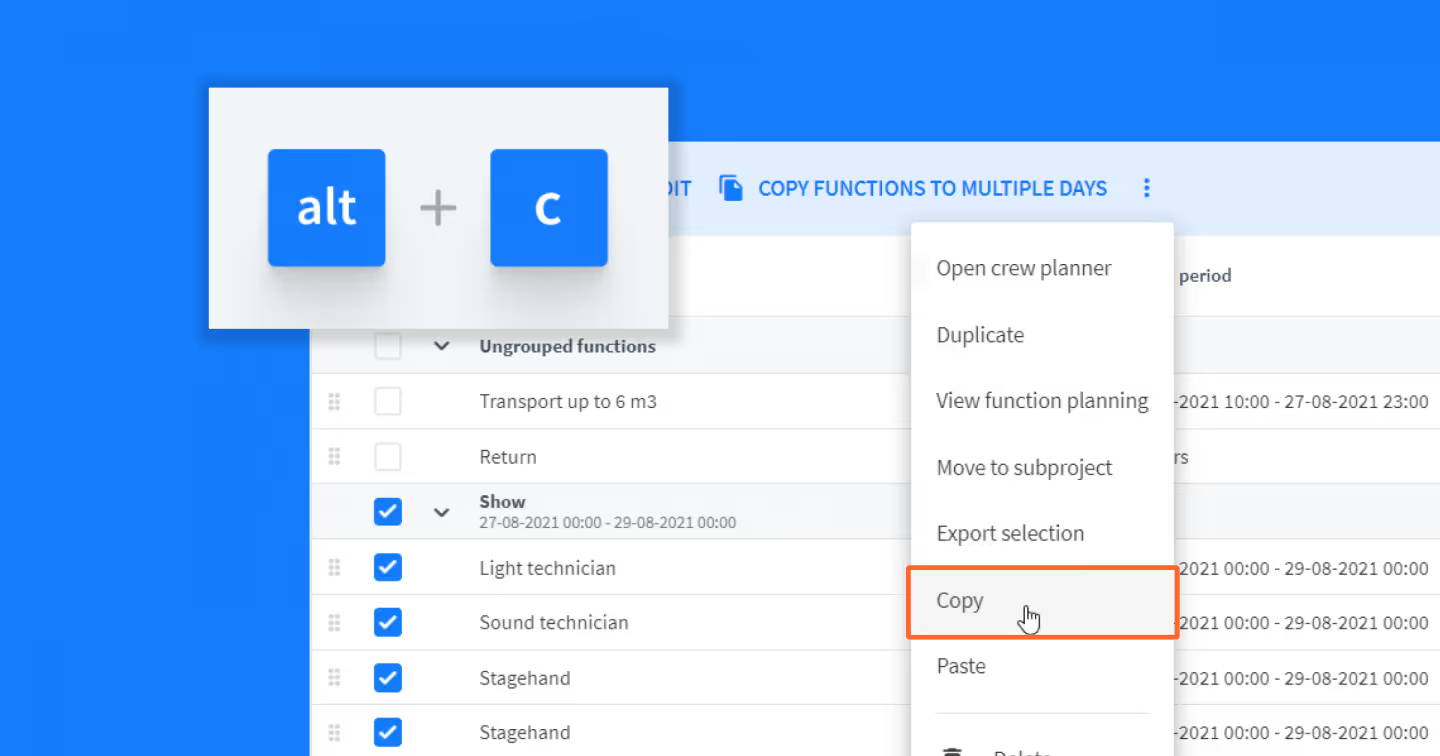
Copy & paste crew and transport functions
You can now copy & paste crew and transport functions within the same and between different Rentman projects.
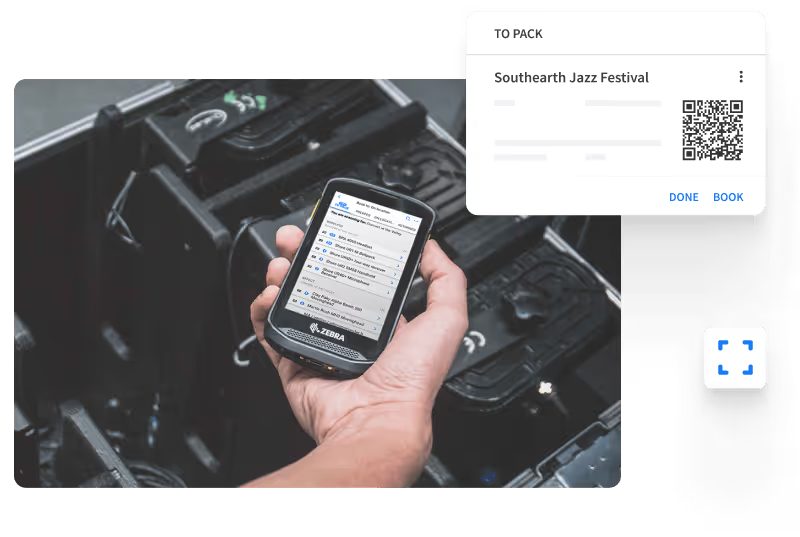
Warehouse Improvements - Quicker and more efficient equipment booking
Equipment booking is now quicker and easier! Read more about the latest improvements and features that we’ve introduced to the warehouse module.
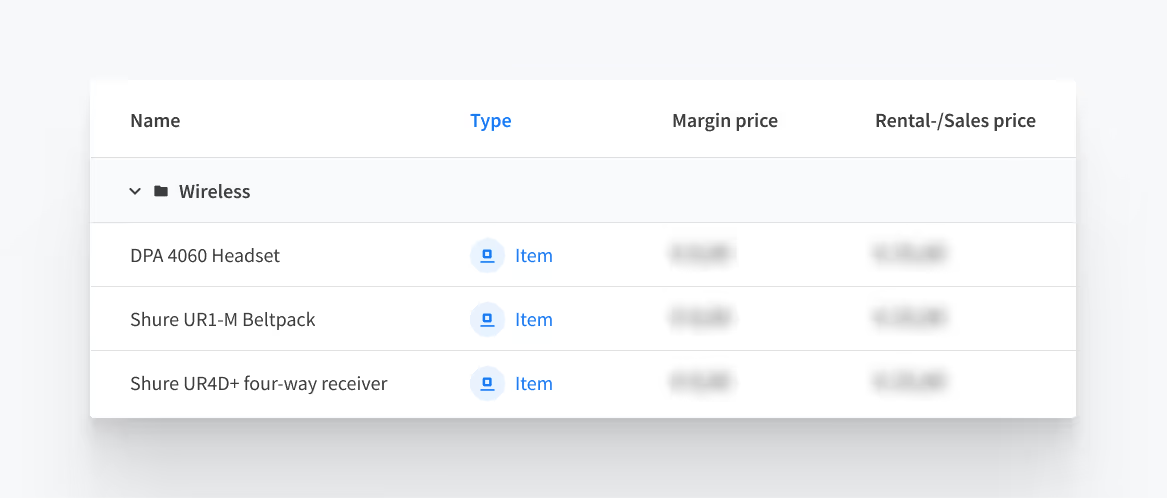
Managing access to financial details
Manage user permissions to control who has access to financial information. Control which users get to see your rental prices, margins, and crew prices.
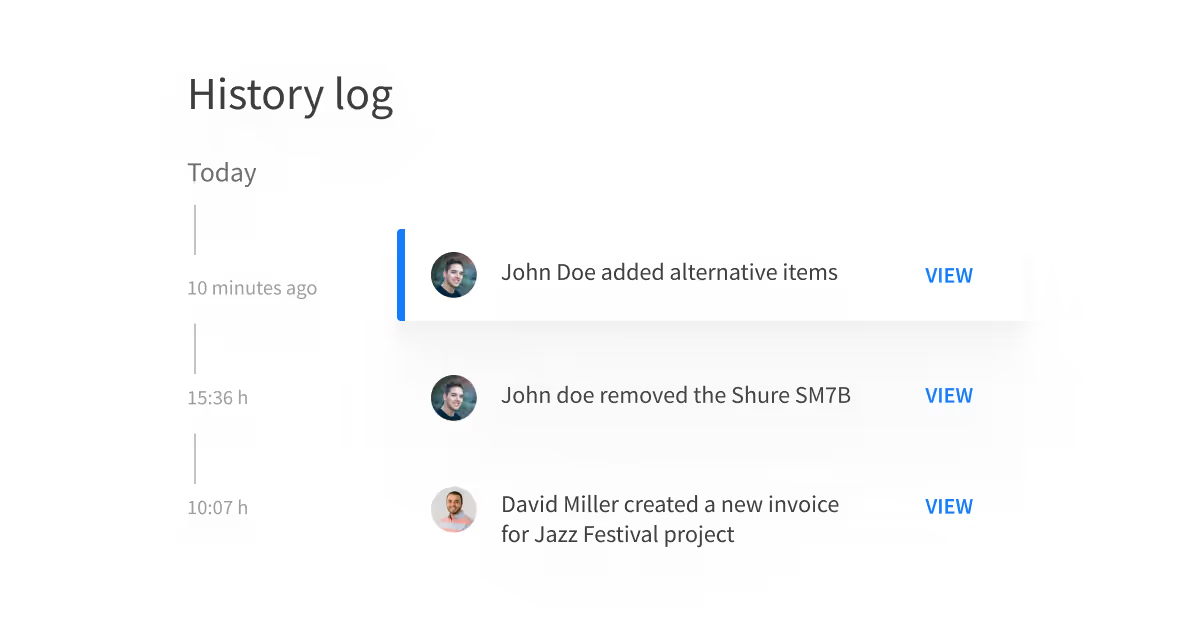
A History Log of project changes
The History Log allows you to track changes made to projects so you can intervene when you spot mistakes. With this new feature, you can stay in the loop by tracking all project changes in one place!