Everybody can see notes of crew members created in warehouse module
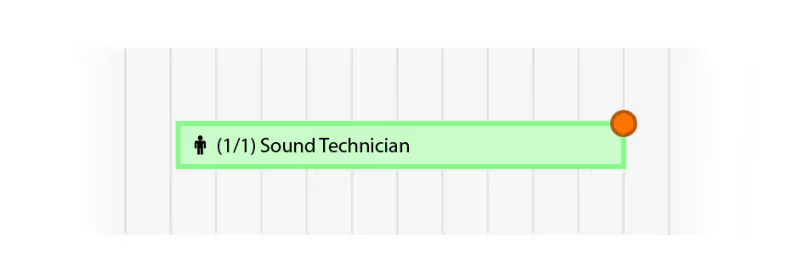
You can create an appointment in the crew planner
Function times are made clearer when checking availability of crew members
Mark an invoice to be exported to bookkeeping software
Version F87 / B94
Project template improvements
Open beta for new app
New user permission for default functions
Sync your projects to your own calendar
Add images in text editors
We added a functionality that gives you the opportunity to create more personal and visual quotations: You can add images (next to text) in HTML-Editors.
Version F85 / B92
We made some improvements regarding reservations of (subhired) equipment.
Subprojects that have the status 'Concept' are now also displayed orange.
Sales items that are booked back are now visible in the sales item timeline.
Version F84 / B91
We improved the calendar synchronization.
You can enter stock mutations for deliveries in the past.
Copied items from one subproject to another will now stay there.
We added the total dimensions of your planned equipment to the crew and transport planning.
Add a signature to your outgoing emails
You can now add an email signature to personalize your outgoing emails. This way your emails get a custom look that matches the emails you send outside of Rentman.
Add equipment to existing subhire jobs
Add additional equipment items to existing subhire jobs to solve shortages.
Notifications in crew and transport planner
We have added a notification system to keep you updated on any changes that are made to a project. This update makes it easier to communicate between your project and planning.
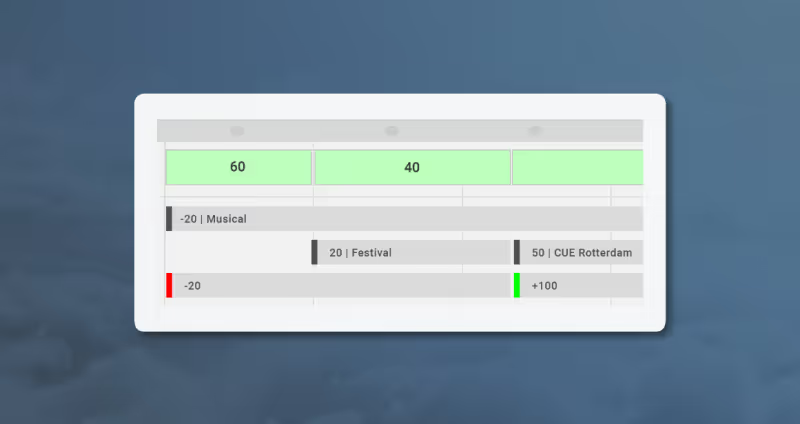
Keep track of your sales stock
We introduced stock tracking for your sales items! You can now more easily see when your sales stock will run out, so you always know when it's time for a new order.