Product updates

We work hard on improving Rentman every day. Find out what's new in our latest updates.
All
All
Inventory
Inventory
Equipment Tracking
Equipment Tracking
Crew
Crew
Quoting & Invoicing
Quoting & Invoicing
Sign in with AppleSign in with Apple

Sign in with Apple

Log into your Rentman workspace using Apple sign in. Match your email address to your Apple ID and connect!

New project status visualsNew project status visuals

New project status visuals

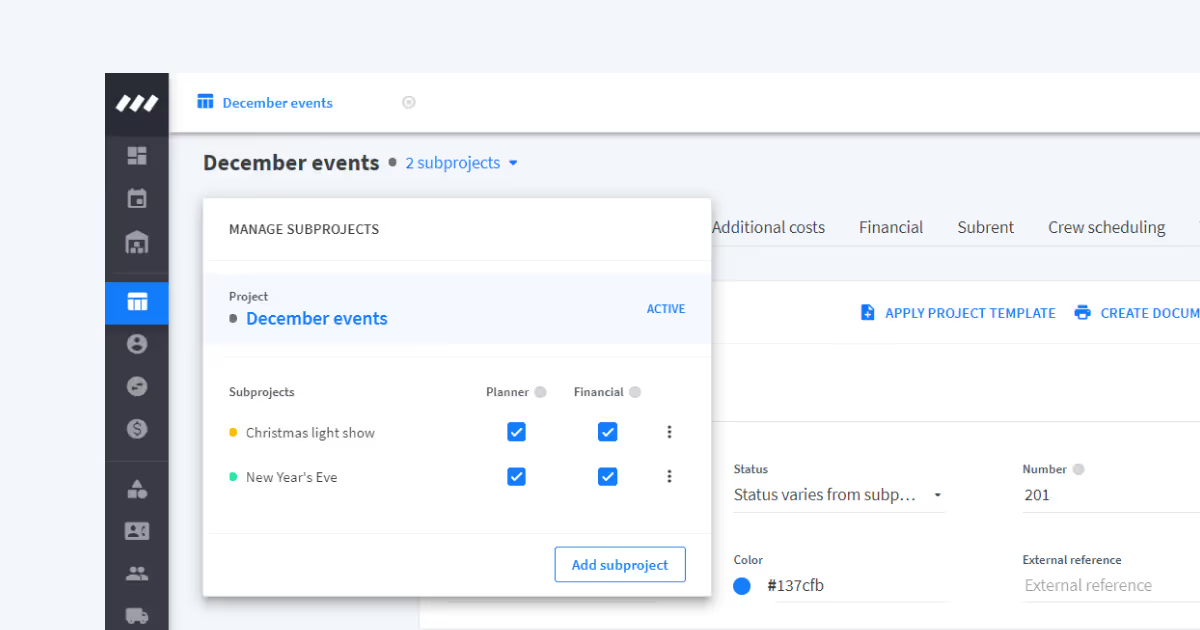
Making information about projects more accessible, Rentman now visualizes the status of your projects using a traffic light system. You can find these colors in various places in the rental software.

Streamline your communication - Add tasks, notes, and files regardless of your user roleStreamline your communication - Add tasks, notes, and files regardless of your user role

Streamline your communication - Add tasks, notes, and files regardless of your user role

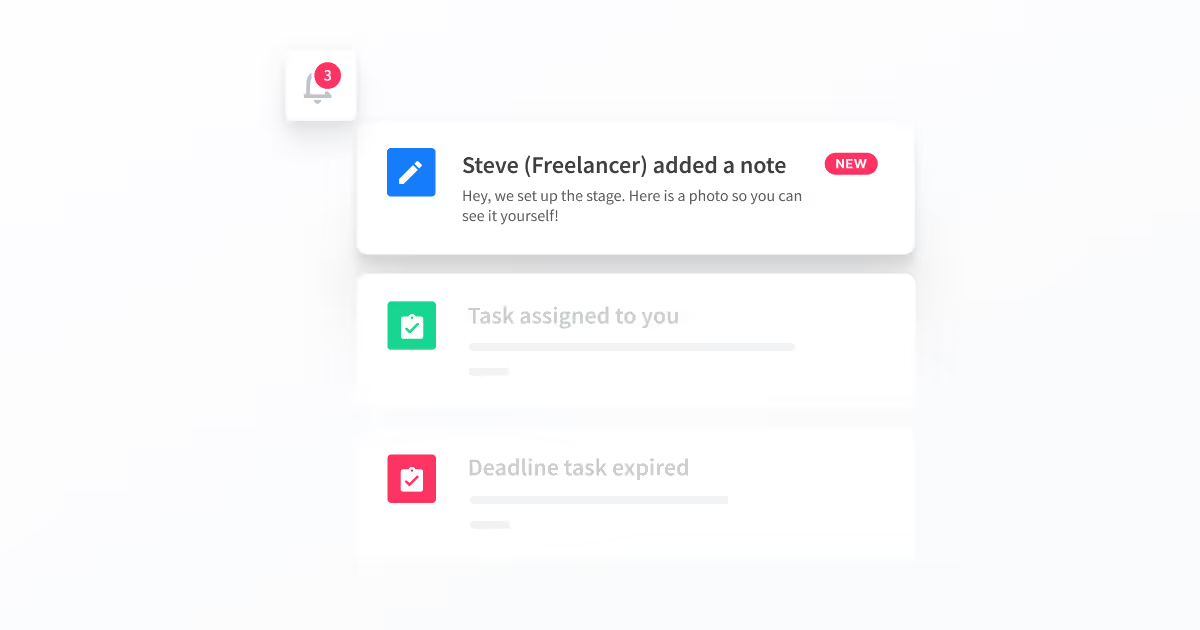
Communication is a challenge for every company. Our latest change in your user role settings has the goal to improve your internal communication by allowing anyone within your Rentman workspace to add tasks, notes, and files.
Create your own customized dashboardsCreate your own customized dashboards

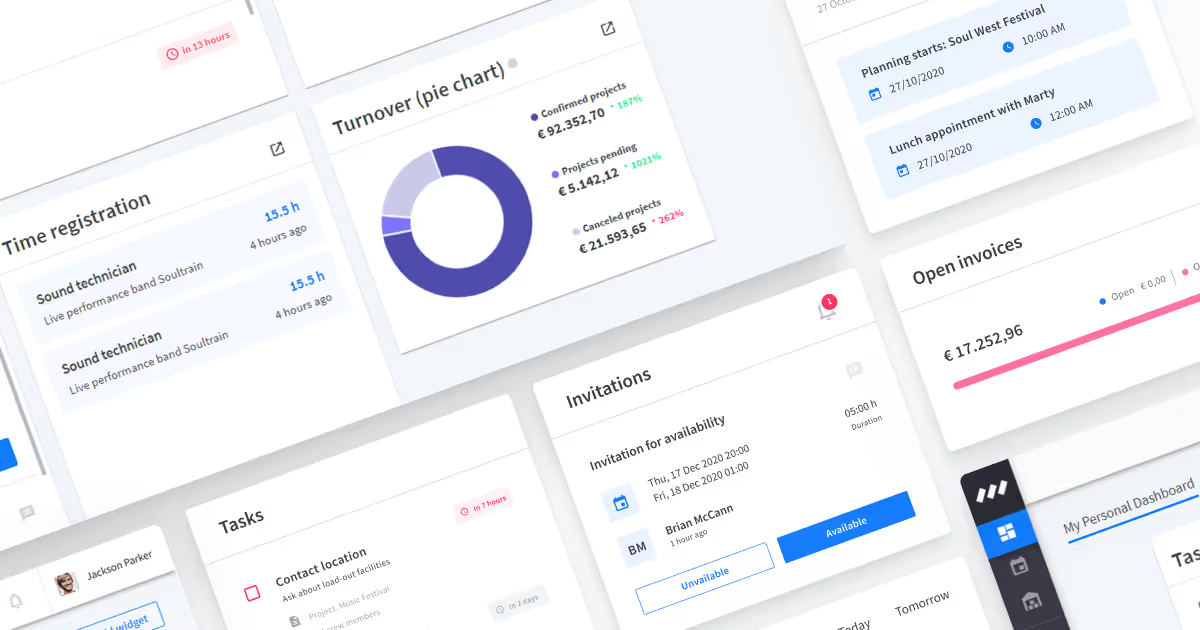
Create your own customized dashboards

The new customizable dashboards allow you to add different widgets to optimize your way of working. Let us introduce you to each widget and how they fit into your workflow.

Time-based stock changes – plan deliveries and salesTime-based stock changes – plan deliveries and sales

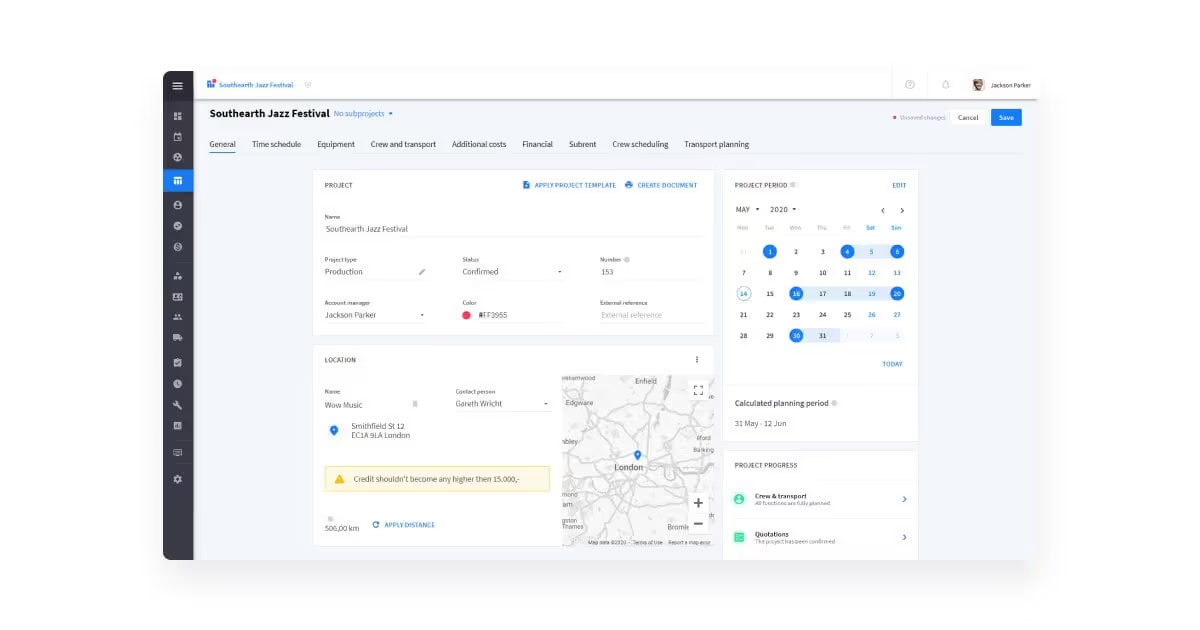
Time-based stock changes – plan deliveries and sales

The time of static stock levels has come to an end. Stock levels in Rentman are now bound to time. With this update you’re able to enter future stock changes and keep a record of historic changes in stock levels for each item. Whenever you plan on buying or selling equipment, you can plan this ahead to make sure your equipment availability is up-to date with anticipated changes.
Launching an improved interfaceLaunching an improved interface

Launching an improved interface

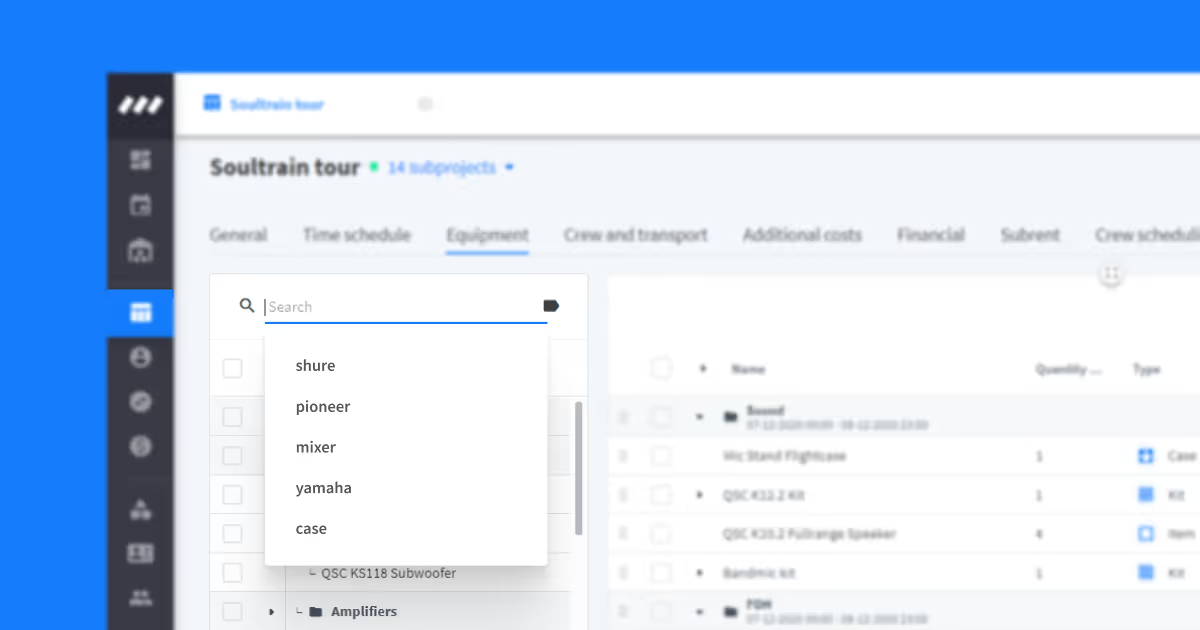
Rentman’s new beta interface is full of new features. To introduce you to everything that is new, we will be highlighting helpful features in a series of updates. Stay tuned!

Inventory Count – Get your equipment quantities up to dateInventory Count – Get your equipment quantities up to date

Inventory Count – Get your equipment quantities up to date

It’s now easier to update your Rentman data to what’s actually in your warehouse. We’ve developed an inventory check feature to help you make sure that what you plan is actually available.

Warehouse movements are now used in the availability of equipmentWarehouse movements are now used in the availability of equipment

Warehouse movements are now used in the availability of equipment

Track equipment availability more accurately — warehouse movements now directly influence your inventory levels.

Handling early and delayed returns is now a lot easier with this commonly requested feature. Read on to discover how it works.

Connect Rentman with other services – Introducing our APIConnect Rentman with other services – Introducing our API

Connect Rentman with other services – Introducing our API

You can now connect to other services with our API. Start automating workflows beyond Rentman and reduce copy-pasting work. With the API you’re now able to transfer data from your Rentman account into another system. You can use it to set up a connection with your accounting software, file hosting service, CRM, or any other tools you use.