Product updates
We work hard on improving Rentman every day. Find out what's new in our latest updates.
All
Inventory
Equipment Tracking
Crew
Quoting & Invoicing

Version F42 / B45
- We have added the option to create surface articles. Surface articles are not charged by quantity, but by the volume or surface used of that equipment item. For example, for carpet, sheets or fences.
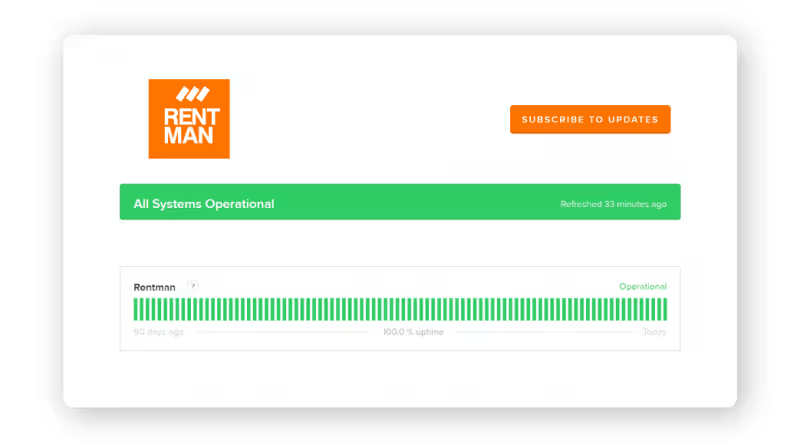
- We now have a status page where you can check if Rentman is functioning normally: status.rentman.io
- Under configuration > licenses you can now see a more detailed view of your Rentman license
- When creating a new project a pop-up window will appear where you can select a project template.
- You can now select multiple functions or planned crew in the crew planner at once by dragging your mouse over them.
- We have added a text field where you can add free text to your payment reminders.
Version F41 / B44
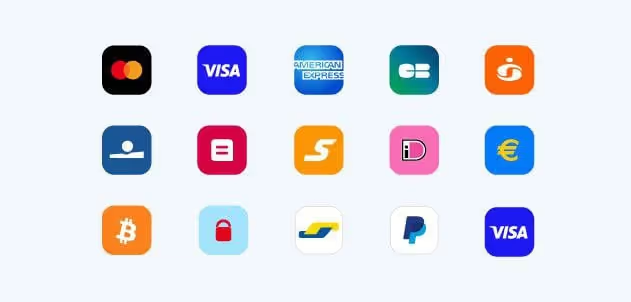
- Digital payments for Euro currency are now possible. You can now add a digital payment button in your invoices. With the button customers can directly pay the invoice online using Credit Card, PayPal or other payment methods.
- You can now add images to your quotes. In order to use this you need to add the dedicated column to your template in the template editor.
- We have added a measuring unit field for your equipment. You can now specify if the units should be measured per piece, case, etc..
- You are now able to edit and delete a reservation with a right mouse click in the crew planner.
- Selecting a project in the project calendar view is now possible.
- We have added the option to indicate if a transport requires a single or return journey. This can be done with a checkbox in project function, the distance for a return journey will be doubled.
Version F40 / B43
- All Rentman /rm4g URLs are now redirected to our new domain: rentmanapp.com. If your account URL was companyname.rentman.eu/rm4g it is now converted to companyname.rentmanapp.com.
- Your open tabs are no longer lost when you now refresh in Rentman.
- We fixed the ALT + F hotkey to quickly select the search bar.
- When you cancel a project with open tasks you will now get notified about this.
- If you open a contact and you put in a location it automatically calculates distance and travel time.
- You can now create extra input fields for your projects and subprojects.
Version F38 / B41
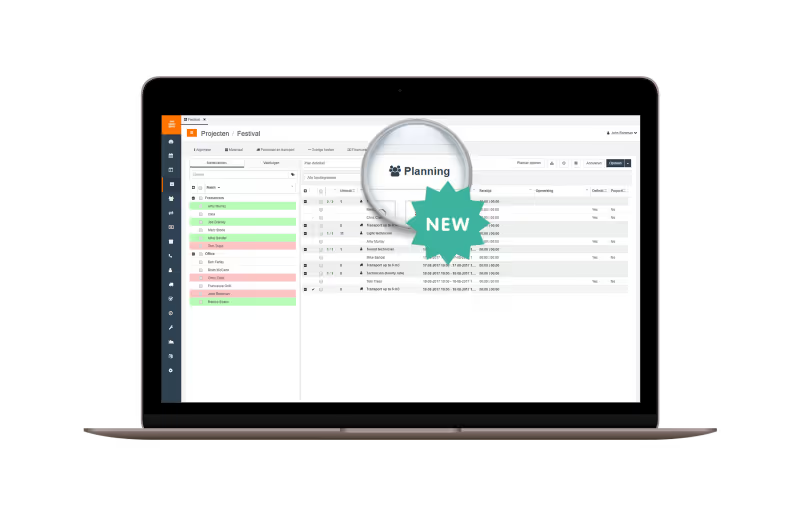
- We are excited to introduce a quick planning option in Rentman: planning in project. You will now see a new tab in your project called ‘Planning’. Here you find a less extended version of the crew planner module.
- We have re-ordered the configuration screen to make your general and financial settings easier findable.
- You can now edit multiple crew functions at the same time.
- You are now able to view the location of equipment in the warehouse module and sort equipment on warehouse location.
- The project overview now also shows project status for all subprojects.
- We have added an extra format option for time duration in the Statistics module. Instead of a numeric value, you can now choose to show a written format.
Version F36 / B38
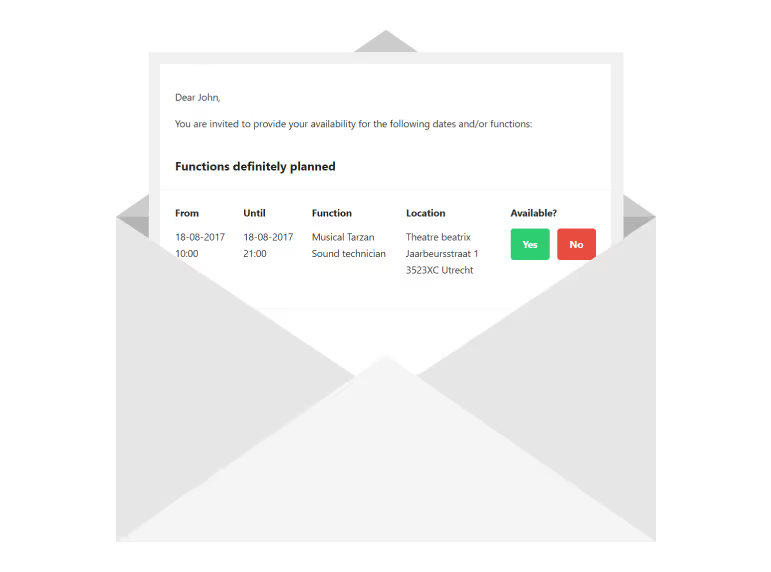
- New email template for your invitations to crew members. Invitations to the same crew member send within short period from each other will now also be merged into one email.
- It’s now possible to duplicate crew functions in a project. Here is how it works: select a function > click on the [...] more actions button > select ‘duplicate’.
- We fixed a bug that prevented having multiple lines in your external remarks.
- You now get a record of details that will be copied when you add or change the client in a project.
- Appointments are now visible from your dashboard as well.
- Warehouse update: When you plan additional equipment it now also shows you the equipment code.
Improved layout for invitation emails
Say goodbye to the plain text invitation emails. Rentman’s invitation emails have received a visual makeover. We have restructured the information for a better overview of the planned times and location. But it’s not only looks, we also introduce a new process of combining separate invitations into one email.