How to Manage Event Production Inventory Tracking in 2026
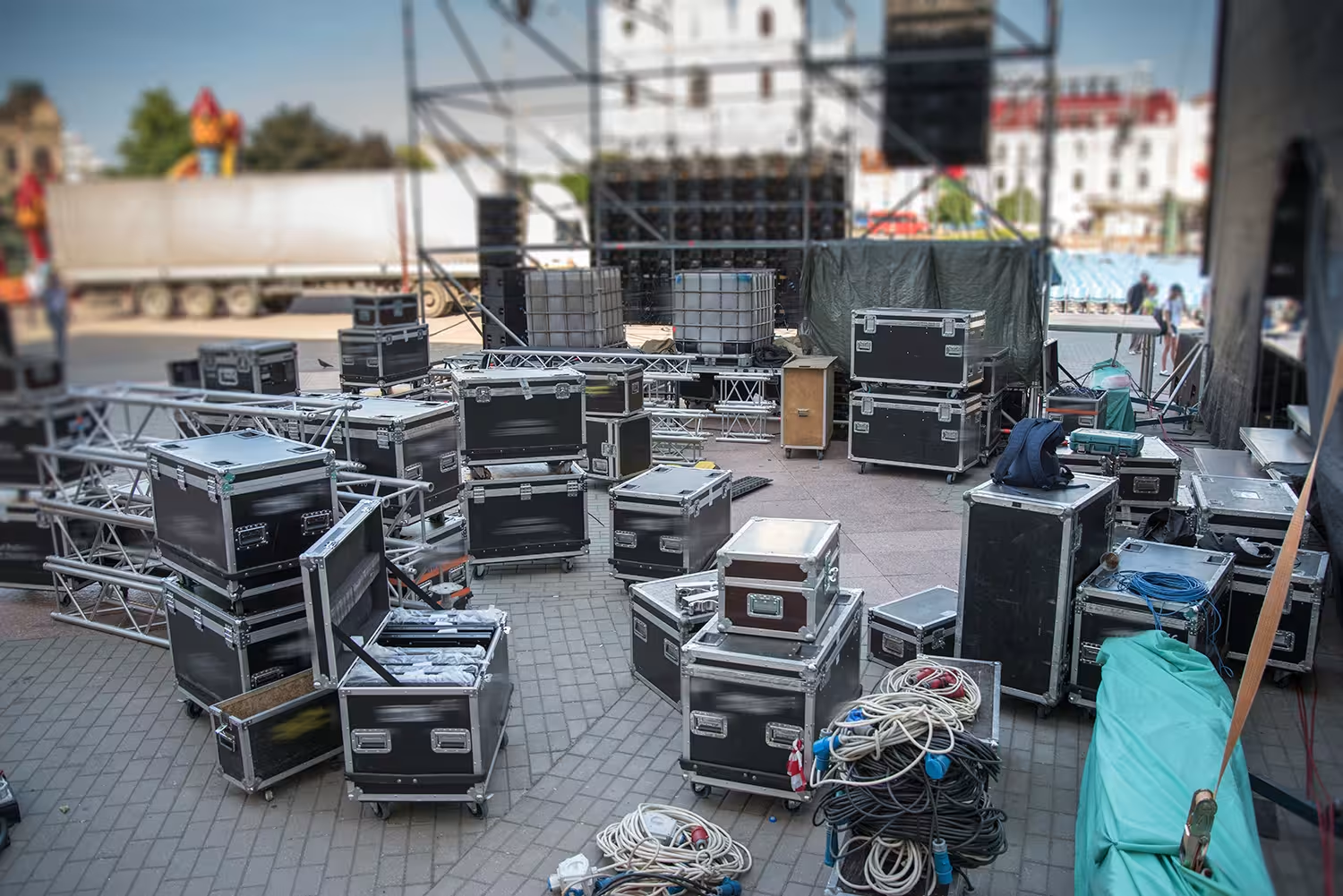
Event production inventory tracking is how AV rental and event production teams record what leaves the warehouse, confirm what comes back, and maintain accurate availability between jobs. It requires standardized check-out and check-in workflows, scan-based warehouse processes, and real-time availability controls that update the moment equipment moves.
According to Rentman's State of the Industry 2026, 63% of teams struggle with production costs due to equipment loss. When those workflows run on paper packing slips, whiteboards, and sticky notes, records get lost or go stale, causing costly packing mistakes and no clear picture of what is available for the next production. This guide covers how to prepare verified equipment lists before dispatch, run scan-based check-out and check-in, control availability in real time to prevent double-bookings, and close job records accurately so the next booking starts from clean data.
What is event rental check-in and check-out?
Event rental check-in and check-out is the process of recording which items leave your warehouse for a production and confirming what returns when the job is done. It covers assigning equipment to a project, scanning or counting items at dispatch, and running the same process in reverse at return, including condition checks and shortage reports.
Without a clear check-in and check-out process, operations managers typically have no record of who handled which item. When something goes missing or comes back damaged, there is no data to resolve it. Structured event production inventory tracking gives your team a verified chain of custody for every item in and out, so disputes have an answer and shortages surface before the next job is already packed.
What you need to manage event production inventory tracking effectively
Good event production inventory tracking depends on three things:
- A central inventory platform that holds equipment records, project allocations, availability, and item status.
- QR codes, barcodes, or RFID that give each item a scannable identity when it moves through dispatch and return.
- A consistent workflow for scanning, approving movements, and recording shortages or damage.
What a better check-in and check-out process changes
- More accurate availability: Know what is out, back, or ready for the next job.
- Fewer last-minute shortages: Spot missing items and booking conflicts earlier.
- Less manual follow-up: Spend less time reconciling lists, spreadsheets, and stock.
- Better visibility: Keep equipment movements tied to the project from dispatch through return.
AND Audio experienced this firsthand. As projects increased and equipment stayed out longer, manual tracking made it harder to know where gear was. By moving check-in and check-out to barcode scanning in one connected system, the team reduced errors and gained a more accurate view of equipment as it moved through the warehouse.
How to manage event production check-in and check-out
Managing check-in and check-out moves a production team from guesswork at the loading dock to a verified record tied to every job. Rather than relying on memory and manual counts, the steps below give operations managers a repeatable process for tracking event equipment rentals from dispatch to return.
1. Prepare a verified equipment list before anything leaves the warehouse
Sending equipment out without a confirmed packing list is where most rental inventory management problems start. For operations managers, this usually means finding out mid-production that a critical item was left behind, or discovering after the job that something was packed for the wrong event.
Pull the project's equipment list from your rental management system, confirm quantities against available stock, and assign serialized or tracked items to the project before loading the truck.
- Confirm stock levels and availability for every line item in the project
- Assign tracked items to specific projects to prevent double-allocation
- Generate a digital packing list from the project for the warehouse team to work from
- Flag any shortage or substitution before loading begins, not at the dock
What good looks like: the warehouse team works from one digital list tied to the project, every item is confirmed available and pre-assigned, and any gaps are visible before the vehicle is loaded.
2. Scan items out at dispatch and update the project record
Manually counting items out is the fastest way to introduce errors into your inventory records. For operations managers, this usually means a mismatch between what the system says left the warehouse and what actually shipped, which creates disputes when something is missing at return.
Use barcode, QR, or RFID scanning to confirm each item as it is loaded, record the scan against the project in your inventory system, and close the check-out record once loading is complete.
- Scan each item or kit against the project's packing list at the loading dock
- Use mobile scanning to update the system in real time, not after the truck leaves
- Confirm that every line item has a scan before marking dispatch as complete
- Share a dispatch confirmation with the driver or site contact as a record of what shipped
What good looks like: every item scanned out has a timestamped record tied to the project, the inventory system updates immediately, and the check-out record is closed before the vehicle leaves the warehouse.
3. Control item availability in real time to block double-bookings
Items checked out for one production are unavailable for the next, but only if your inventory system updates in real time. For operations managers, this usually means a rental goes out for a weekend event, and the same items are quoted for a corporate production on the same dates, and neither team knows until it is too late to find an alternative.
Once an item is scanned out or allocated to a project, its availability should update across every other booking in the system. Real-time inventory control prevents the same item from being allocated to a second job while it is already out.
- Use availability controls that block a confirmed item from being added to a second concurrent project
- Check availability at the booking stage, before items are added to a quote, not just at dispatch
- Get alerts when a project's requested items overlap with an existing allocation
- Add a buffer between the expected return and the next dispatch to allow time for check-in and inspection
What good looks like: a planner quoting event equipment rentals for an overlapping period sees the conflict immediately and receives a clear warning before the second booking is confirmed.
4. Scan items back in at return and log condition at the point of check-in
Returns are where most broken inventory tracking processes go unresolved. For operations managers, this usually means equipment comes back without a proper count, gets put away, and when something is missing or damaged, there is no record of who handled it last, leaving the dispute with no clean answer.
Run a scan-based check-in for every return: match items against the original dispatch record, compare the return count to what was sent out, and log condition for anything that comes back damaged or incomplete.
- Scan each returned item against the original dispatch record, not from memory
- Flag missing items immediately at check-in and create a shortage record in the system
- Log damage with photos or notes attached to the specific item's record
- Hold flagged items for inspection before marking them available for future bookings
What good looks like: the completed check-in record shows what was returned, what is missing, and what is damaged, all tied to the project that dispatched it, with no manual reconciliation required afterward.
5. Close the job record and update inventory status before the next booking is confirmed
An open or incomplete job record is a live source of inventory errors. For operations managers, this usually means items that were never officially checked back in appearing as available in the system, or damage that was never logged showing up as a surprise when the next client opens the case.
Once check-in is complete, close the job record, update item status for anything that needs repair or replacement, and confirm stock levels match the system before planning the next dispatch.
- Mark the job as closed in your rental management system once check-in is signed off
- Update the status of any damaged or missing items so they are removed from available stock
- Reconcile total item counts against your inventory database to catch any outstanding discrepancies
- Trigger repair or replacement workflows directly from the check-in record
What good looks like: by the time the next booking window opens, every item's status is accurate, damaged equipment is out of circulation, and the available stock count matches the physical warehouse.
What should an event production inventory tracking platform help you solve?
A purpose-built event production inventory tracking platform should make check-out, check-in, and availability management faster and more reliable, without adding manual steps. For AV rental and event production teams, that usually means helping you:
- Generate digital packing lists directly from the project, rather than rebuilding them by hand before each dispatch. The list should travel with the job, tied to the same project record the warehouse team works from.
- Scan items in and out by QR code, barcode, or RFID, so each item is confirmed at the moment of loading or return, not estimated from a manual count under time pressure.
- Track individual items by serial number, giving you a record of which specific unit left the warehouse, which came back, and its condition at each handover point.
- Show real-time availability across every active project, so a planner adding equipment to a quote can see immediately whether those items are already allocated to another job.
- Detect shortages automatically, flagging conflicts between what a project requires and what is actually in stock before they become a problem at the loading dock.
- Support mobile scanning for warehouse teams, so items can be confirmed in the aisle or at the dock without needing a desktop workstation at each stage.
If these are the problems you are trying to solve, the next step is finding a platform that handles all of them within the same system your team uses to plan projects, manage equipment, and track costs.
The right approach to event production inventory tracking takes you from guesswork to a verified record
Choosing how to approach event production inventory tracking starts with understanding where your current workflow breaks down. Maybe items leave without a confirmed packing list, returns are counted by hand under time pressure, or availability controls do not update until the next morning. Defining those gaps makes it easier to see what needs to change first.
Rentman is one platform built around this workflow. It combines digital packing lists, QR and serial number tracking, real-time availability timelines, and automatic shortage detection in one connected system, so operations managers can run check-in and check-out from dispatch to return without relying on spreadsheets or manual counts.
See how it works with a 30-day free trial, no credit card required.
Frequently asked questions
Frequently asked questions about event production inventory tracking
